
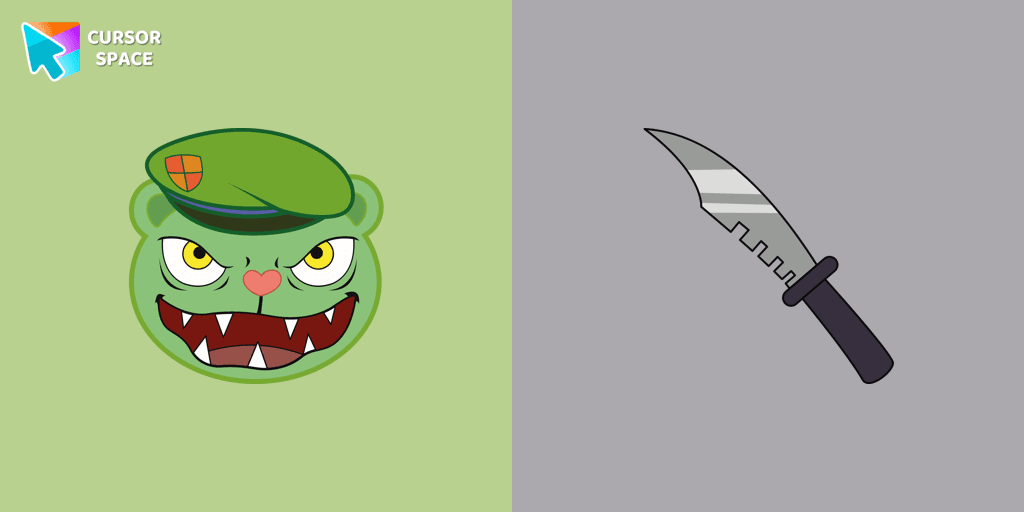
Fliqpy cursor
3.4kFree
Fliqpy custom cursor for Google Chrome brings the dark side of Happy Tree Friends to your screen, featuring his weapon as a hover pointer for a sinister touch.
If you're a fan of both Among Us and Squid Game, the Among Us Squid Game Soldier custom cursor is the perfect addition to your browser. This unique custom cursor for Google Chrome combines two iconic universes into a thrilling, eye-catching design.
The Among Us Squid Game Soldier cursor merges the mystery and strategy of Among Us with the intense challenges of Squid Game. Whether you love the suspense of identifying impostors or the drama of the deadly games, this custom cursor adds a playful yet exciting touch to your browsing experience.
Say goodbye to the ordinary and upgrade to this one-of-a-kind custom cursor. It’s not just a cursor, it’s a statement. Each time you click, the Among Us Squid Game Soldier cursor will remind you of the best elements of both worlds, making your time online even more enjoyable.
Transform your browsing with a cursor that speaks to your fandom. Try the custom cursor for Google Chrome today and bring your favorite games to life in a new way!
Install the Cursor Space extension for Chrome or Cursor Space for Edge in your browser.
On this page, click "Add this cursor pack to the extension".
Open the extension and go to the Packs tab.
Find the custom cursor pack "Among Us Squid Game Soldier Character cursor" and click it.
Enjoy!
Get this cursor pack and thousands of others by installing our extension. It's fast and free!
Among Us Squid Game Soldier Character Cursor is a themed cursor pack you can add to your browser to personalize your pointer across common cursor states (default and pointer). Use it for everyday browsing, streaming, studying, or gaming-anywhere you want your cursor to match your vibe.
See how the cursors look before installing.
Add the pack to the extension in a few clicks.
Designed for Chrome and Edge via the extension.
Quick answers to common questions about cursor packs, collections, and installation.
Yes. To apply cursor packs in Chrome or Edge, install the Cursor Space extension and add this pack to it.
Cursor packs are designed for Chromium browsers like Chrome and Microsoft Edge.
Open the extension, choose another pack or disable the current one to return to your default cursor.
Custom cursor and packs - neon, anime, pixel art. Quickly add to Chrome and Microsoft Edge for free
Fliqpy custom cursor for Google Chrome brings the dark side of Happy Tree Friends to your screen, featuring his weapon as a hover pointer for a sinister touch.

Experience the fun of the Multiple Cursor prank with a custom cursor for Google Chrome. Add fake cursors to confuse and entertain while keeping only one functional.

Enhance your browsing with the 8-bit custom cursor. This custom cursor for Google Chrome adds a nostalgic, pixelated charm to your screen for a retro experience.


Upgrade your browsing with the Vibrant Orange Gradient Cursor. This custom cursor offers a seamless orange gradient, merging style with functionality
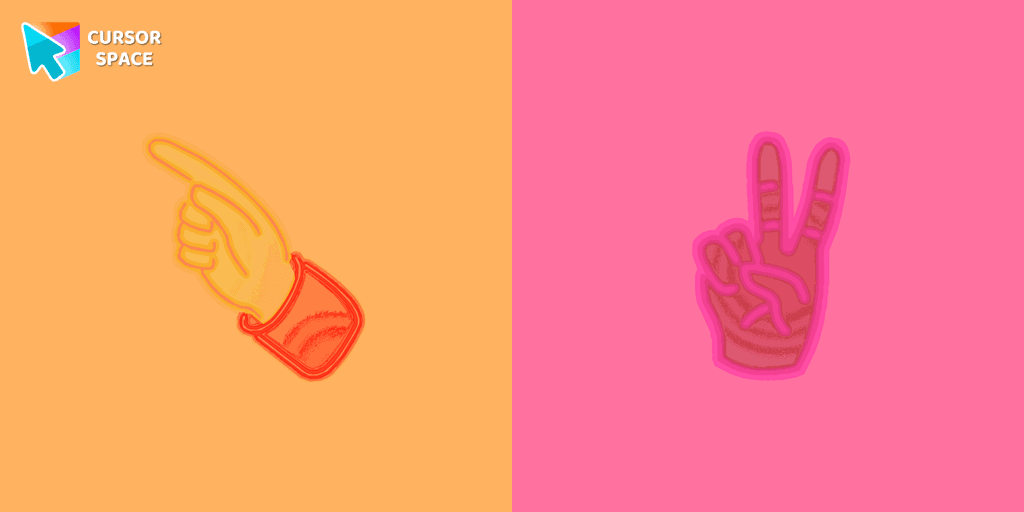
Pointer Neon Cursor is a customizable cursor option for those who want to add some color to their computer interface.

Transform your browsing with the Forbidden Pointer custom cursor for Google Chrome. This fun prank cursor mimics a "no entry" sign, creating amusing and unexpected reactions.
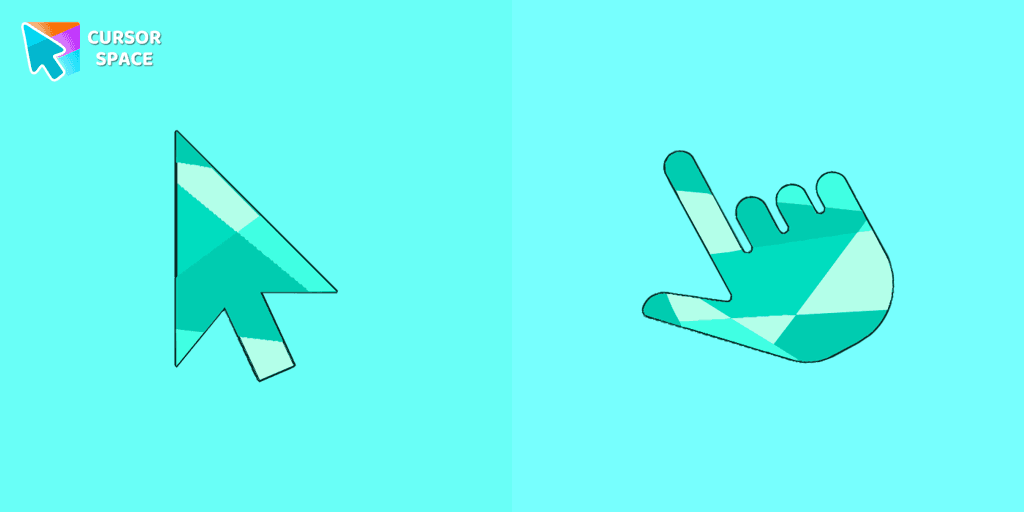
Enhance your browsing with the Emerald custom cursor for Google Chrome. This gem-like green pointer adds elegance and personalization to your digital workspace.

Enjoy a fun twist on browsing with the Little Pointer custom cursor for Google Chrome. This playful custom cursor shrinks your pointer, adding a touch of surprise and humor.
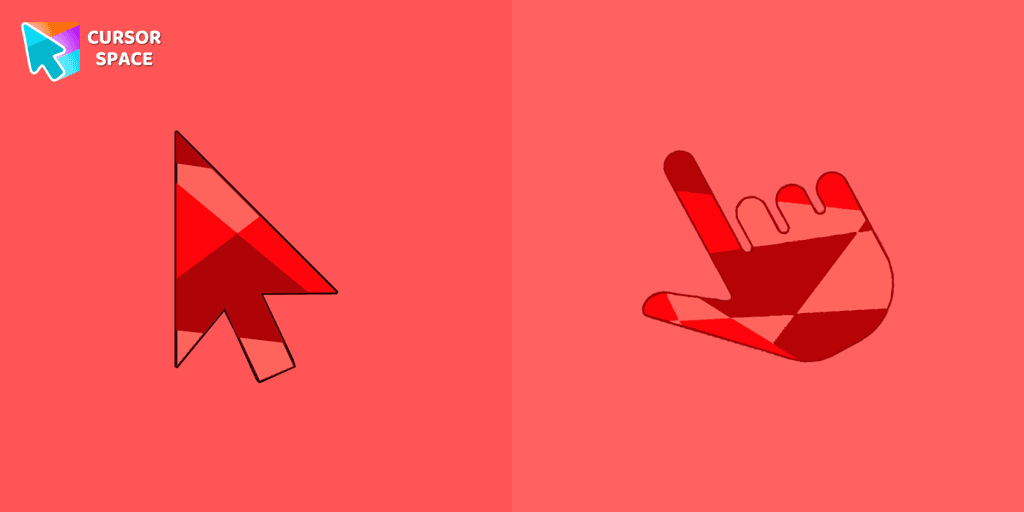
Ruby custom cursor for Google Chrome helps you track text input and operations in Ruby coding. Improve text processing and editing efficiency with ease.

The Among Us Son Goku Character cursor is an exciting addition to the browser cursor collection.
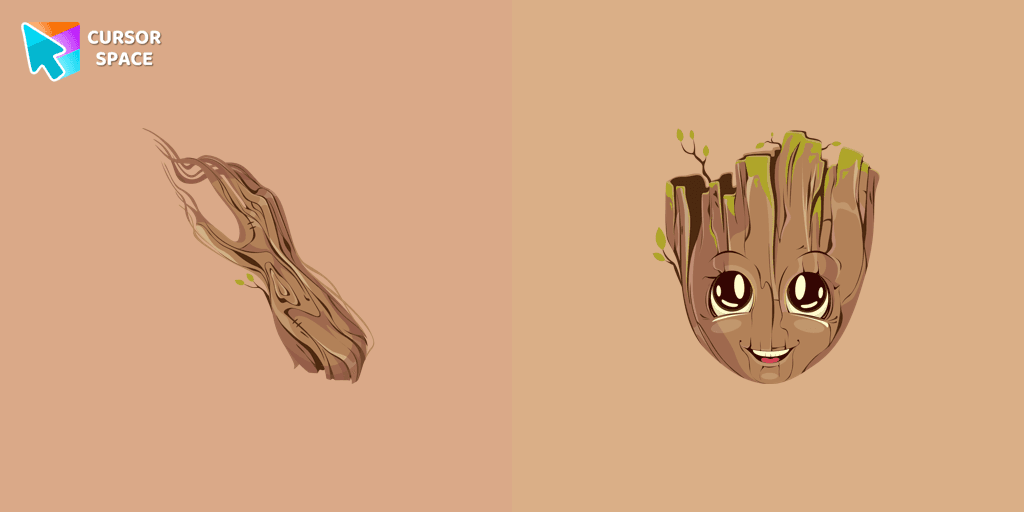
The Groot custom cursor is a fun and adorable choice for fans, featuring the beloved Groot character from Guardians of the Galaxy. Perfect for Chrome users!
Installation leaders from "Among Us cursors": free packs, neon/anime/pixel art, quick add to Chrome and Edge.
The Among Us Son Goku Character cursor is an exciting addition to the browser cursor collection.
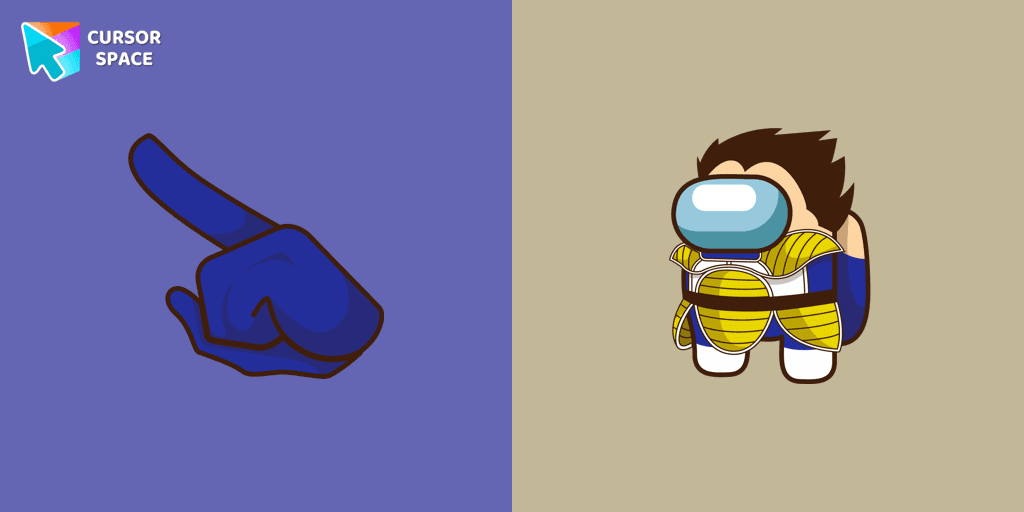
Add a dynamic touch to your browsing with the Among Us Vegeta custom cursor for Google Chrome. Perfect for Dragon Ball and Among Us fans!

Introducing the Cute Among Us Kakashi Hatake Character Cursor: A Perfect Blend of Two Favorites!

Add a touch of fun to your browsing with a custom cursor for Google Chrome featuring vibrant orange Pokémon characters like Charmander and Infernape.


The Black Panther character cursor has become a highly sought-after customization option in Among Us.

In the vast array of cursors available, let's not overlook the vibrant red Super Mario characters.

Enter the World of Dragon Ball with the Among Us Son Goku Character Cursor

Among Us Baby Yoda Character Cursor - Unleashing the Cuteness and Mischief in Outer Space
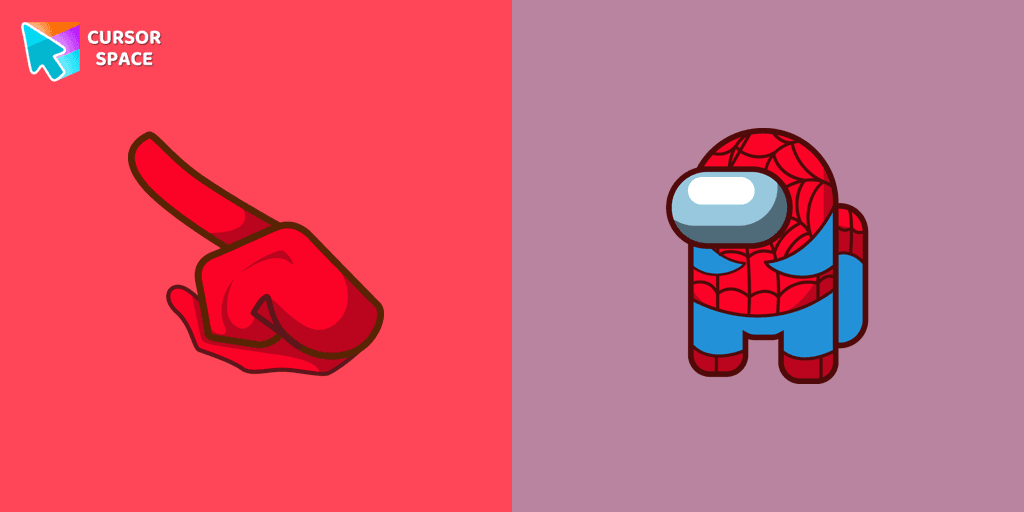
Swing into Action with the Among Us Spider-Man Character Cursor
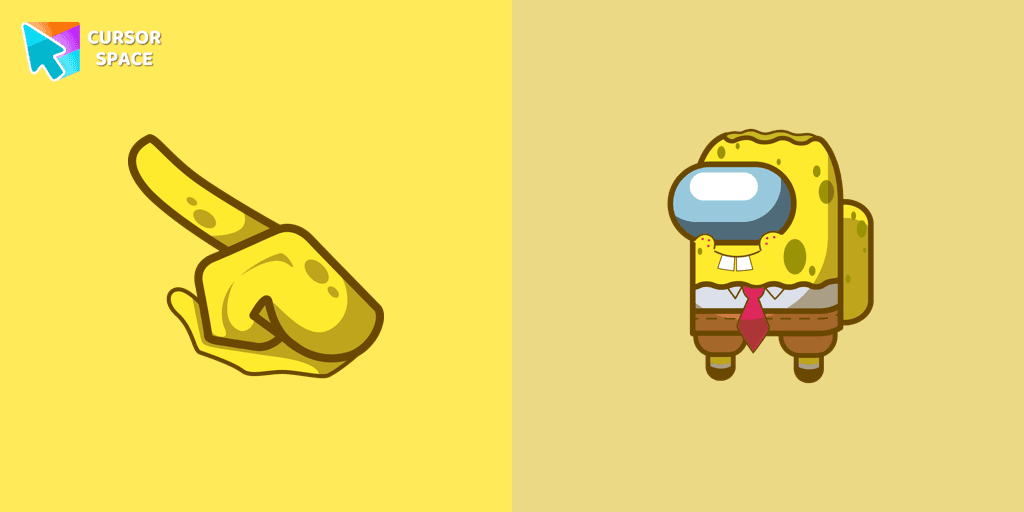
Our collection of custom cursors for Chrome now features the Among Us Spongebob Character cursor.
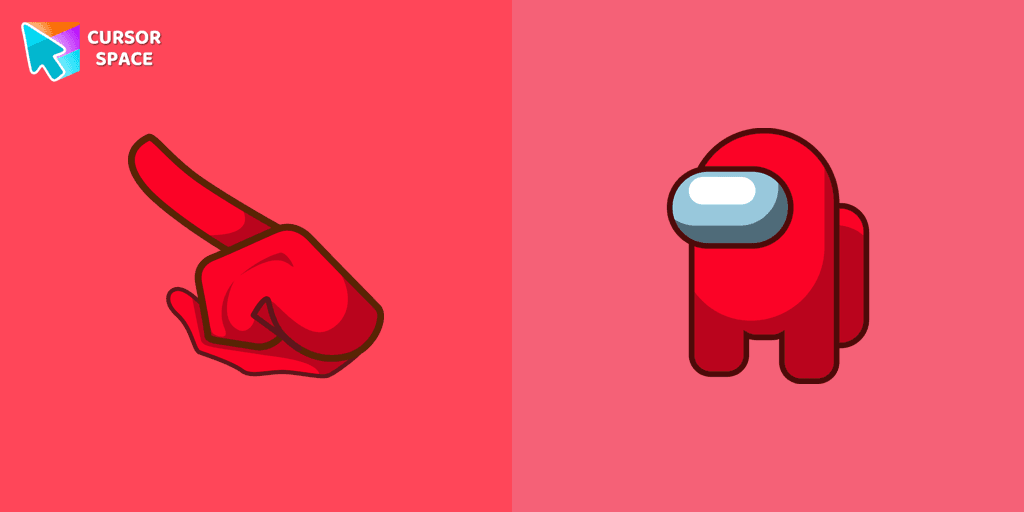
Among Us players have the option to select from a variety of colors to customize their in-game characters. In fact, there are 18 different hues available for selection in the game lobby.
Add packs instantly and unlock access to thousands of cursors: neon, anime, pixel-art, and more. Fast, safe, and free.
Cursor Space is an extension for changing your mouse cursor in Chrome and Edge browsers: themed collections, HiDPI icons, neon, animated, and pixel cursors, with quick installation.
